This is not for leaks — do not submit tips here!
For your safety, do not tell us if you have previously submitted tips to any other SecureDrops, or if you are looking to do so. To learn more about how to use SecureDrop safely, we recommend:
- Start from a place with public Wi-Fi, like a coffee shop. Use a computer you own and control. Do not use a mobile phone or tablet. Never use a workplace computer or network.
- Download, install, and open Tor Browser, then visit howto.securedrop.tor.onion
Already using SecureDrop at your organization?
Please send a message in your organization's dedicated Signal group.
If you don't yet have a group, contact us at the Signal account below.
Interested in setting up SecureDrop?
If you're a news organization that wants to install SecureDrop but needs help doing it or have other questions about SecureDrop, please contact us using the methods below. For more information about the support options we offer, please see our documentation.
Signal
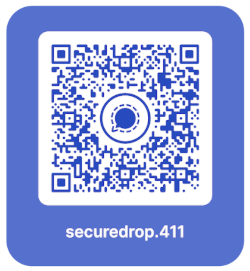
You can securely message us by scanning the QR code below, or by reaching out to @securedrop.411.